
The following forms have been implemented as part of the EMU booking system. If you are new to the EMU or have not registered on the system yet please complete step 1.
1) EMU User Registration form
All users will need to complete the EMU registration form at least once.
2) EMU Booking Request form
Please complete the booking request form if you are a a) new, b) external or c) rated Level 1 or 2 user. You will need to complete a new request for each new session and each instrument.
3) EMU Log sheets
Please complete the sample preparation and/or instrument log sheets once you have completed your booking. The QR code will be found at each instrument and/or appropriate equipment unit. Alternatively, please use the link below:
Kindly contact EMUbookings@uct.ac.za if you have any queries.
4) Calpendo Registration for trained users
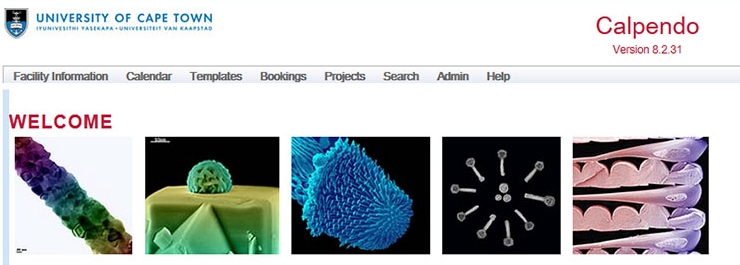
Trained, rated Level 4 users, may book instruments using Calpendo, the online Instrument Booking System.
Upon acceptance of the Calpendo registration you will be able to see the booking calendar and make provisional bookings. All bookings will require approval by the instrument manager before confirmation.
Time on the instruments can be booked up to a week in advance but no later than 24 hours before the session. If you wish to cancel a booking please do so with at least 24 hour notice and make sure the instruments managers are aware of your cancellation.
To register on Calpendo:
- Go to https://emu-uct.calpendo.com. You will see a login screen.
- If you are a new user, you will need to register an account before logging in. Click the "Register New User" button.
- Click the "Local" button.
- Please fill in your details:
- For your username/login name, please use your initial and surname, all lower case with no spaces.
- Please note, your password must be 6 characters long.
- The user type is either “Trained” - Rated, Level 4 users (you can operate the microscopes unsupervised) or “Untrained” - Rated Level 1 - 3 users (you need an operator to help you on the microscopes).
- Click “Register”. You will get a message telling you that you will receive an email confirming your acceptance before you can log on.
Please contact EMUbookings@uct.ac.za once you have registered so that you can be approved on the system or if you have forgotten your username or password.